VanishInbox

Free Temporary Email — Instant, Private, Gone in 10 Minutes

A disposable inbox, ready the second you arrive. No sign-up, no password.

What is a temporary email address?

A temporary email address is a working inbox you use in place of your real one. VanishInbox creates a fresh address the moment you open the page, with no account and nothing to fill in. People also call these disposable or throwaway addresses, since the whole point is that they expire on their own.

You hand the address to a site that wants to email you, wait for the message to land, and read it. Ten minutes later the inbox and everything in it are gone. Your real account never sees the confirmation email, the marketing list it gets added to, or the breach notice that turns up two years later.
When a disposable inbox makes sense

A throwaway address is the right tool any time you need to receive an email but don't want a lasting tie to it. A few common cases:

  • Verification codesA site wants to confirm an email before it lets you in, but you only plan to visit once.
  • Free trialsYou want to try something without handing over the address marketing will chase for months.
  • Unfamiliar shopsA new store needs an email at checkout and you would rather not trust it with your main one.
  • Email-gated filesA download or whitepaper sits behind a form, and you just want the file.
  • Developer testingYou need to fire test emails at an address and watch them arrive without spinning up a mailbox.

If you are weighing it up for a specific sign-up, our guide to using a temp email for verification walks through the usual scenarios, and why spam keeps coming back covers what actually keeps your real inbox clean.

What makes VanishInbox different

🏗️

Five domains, not one

Most temp mail services run on a single domain, so when a site blocklists it you are stuck. VanishInbox gives you five and lets you switch with one click.

🛡️

Sandboxed rendering

Every message opens inside an isolated iframe, so tracking pixels and scripts hidden in HTML email cannot run. Your browser stays protected before you read a word.

🗑️

Genuinely deleted

After 10 minutes the messages are erased at the storage level, not just hidden. There is no archive to breach and nothing for us to recover.

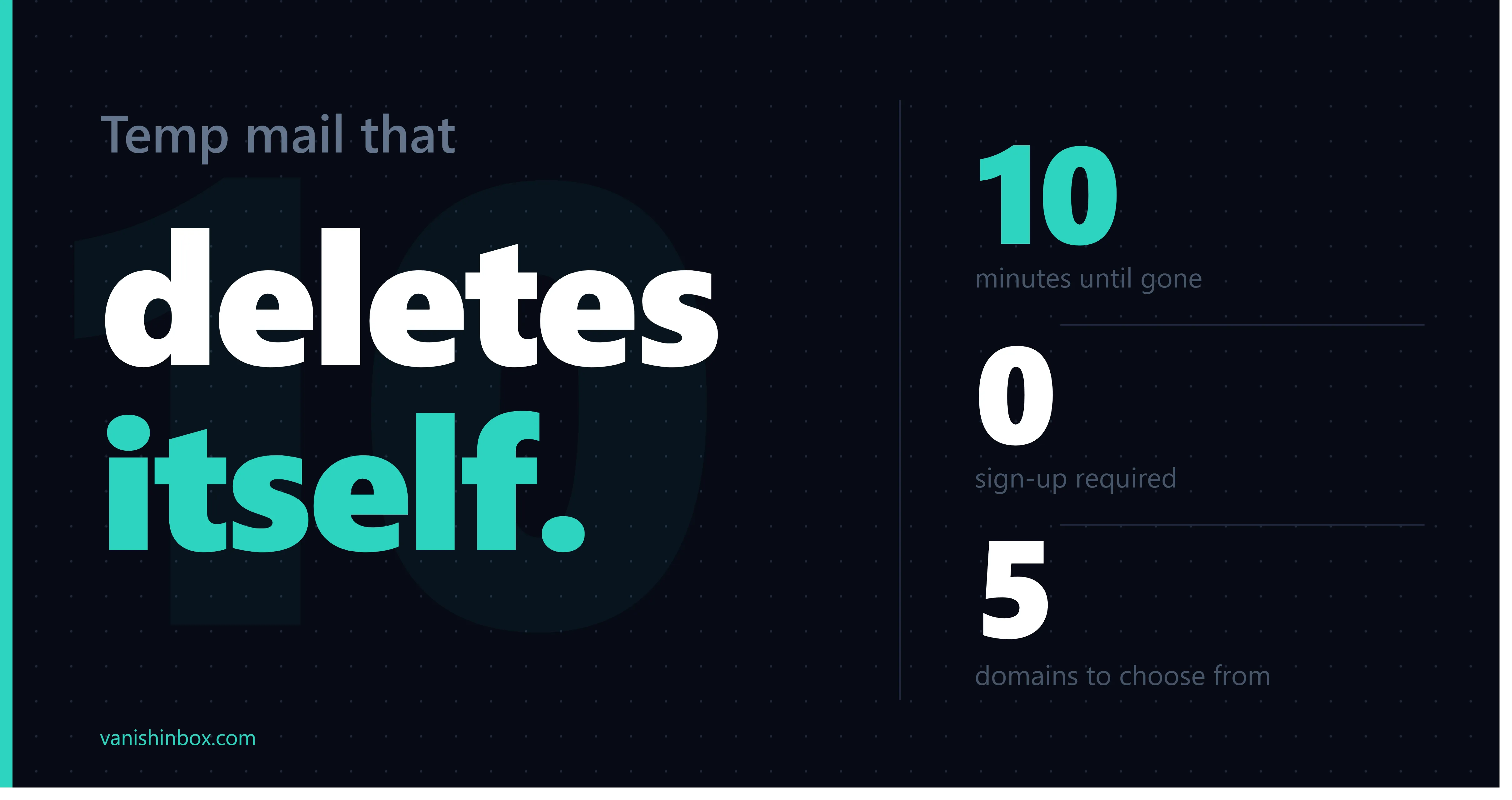
Inbox lifetime10 minutes
Sign-up requiredNone
Domains available5 to choose from
Inbox auto-refreshEvery 5 seconds
Email renderingSandboxed iframe
Data after expiryPermanently deleted
CostFree
Works onMobile, tablet, desktop

How to use it, step by step

  1. 01

    Open the page

    Your disposable address is generated automatically, and the 10-minute countdown starts.

  2. 02

    Copy the address

    Click Copy, then paste it into any sign-up form, checkout, or email field.

  3. 03

    Wait for your email

    The inbox refreshes every 5 seconds. Most messages arrive within 5 to 10 seconds of being sent.

  4. 04

    Read it and grab codes

    Open the message and copy any verification code. If a site rejects the address, switch domains from the dropdown.

  5. 05

    Let it expire

    After 10 minutes everything is deleted and a fresh address is generated for you.

Tip: keep the VanishInbox tab open while you finish signing up on the other site. If you close it, reopening VanishInbox restores the same address from your browser, as long as the 10-minute window hasn't run out.

How it works under the hood

When you open VanishInbox, your browser picks a random address and remembers it locally. Our mail server runs a catch-all rule, so it accepts mail sent to any username on our domains without that address needing to exist in advance.

A lightweight serverless worker parses each incoming message, pulls out the sender, subject, and body, and writes it to a Redis store with a 10-minute time-to-live. Redis keeps the data in memory and expires the key on its own, which suits short-lived mail far better than a traditional database.

Before you see a message, its HTML is rendered inside a sandboxed iframe. That boundary stops scripts and tracking pixels in the email from touching the rest of the page, which is what makes opening mail from an unknown sender low-risk here.

Frequently Asked Questions

What is a temporary email address?
A temporary email address is a working inbox you use in place of your real one. VanishInbox creates one the moment you open the page, with no account and no password. You can receive messages at it straight away, and after 10 minutes the inbox and everything in it are deleted. People also call these disposable or throwaway addresses.
How is a temporary email different from an email alias or forwarding service?
A temporary email is short-lived and receive-only, has no account, and disappears on its own after a few minutes. An email alias from a forwarding service is the opposite: it lasts indefinitely, forwards mail to your real inbox, and needs an account to set up. Use a temporary address for one-off sign-ups and verification, and an alias when you want a lasting address you still control.
Is VanishInbox free to use?
Yes. VanishInbox is free, with no registration, no subscription, and no hidden fees. Open the site and your temporary inbox is ready immediately.
Can I choose my email address or domain?
You can switch between five domains (fommie.com, whoopza.org, fommie.online, fommie.store, and whoopza.store) using the dropdown. The username is generated at random, and clicking "New Email" gives you a different one at any time. Custom usernames are not supported, which also keeps your address harder to guess.
Can I use a temporary email for Facebook, Discord, ChatGPT, and other sign-ups?
For most services, yes. Discord, Reddit, Telegram, and many AI tools accept disposable addresses without trouble. A few platforms, notably Facebook and Gmail, actively block domains they identify as temporary. If a site rejects your address, switch to one of the other domains from the dropdown and try again.
Why do some websites block temporary email addresses?
Some sites keep blocklists of known disposable domains to enforce one-account-per-person rules or to cut down on free-trial abuse. When a domain lands on one of those lists, sign-ups using it get rejected. Having five domains to switch between is the practical workaround: if one is blocked, another usually is not.
Can I receive attachments or files?
VanishInbox is built for receiving messages like verification codes, confirmation links, and sign-up emails, and it displays both the plain text and the formatted content of each message. It does not offer attachment downloads. If you are expecting an important file, use a regular email account for that.
Can I send or reply to emails?
No. VanishInbox is receive-only by design. Disposable addresses exist for one-way flows like receiving a verification code, not for back-and-forth correspondence. Keeping it receive-only also stops the address being used to send spam.
How long do emails last on VanishInbox?
Your inbox and its messages are deleted automatically after 10 minutes. If you refresh the page within that window, the same inbox is restored from your browser. Once the 10 minutes are up, a brand-new address is generated and the old one is gone.
Can I recover my inbox or emails after they expire?
No. Once the 10-minute window ends, the inbox and every message in it are erased and cannot be recovered. This is deliberate: messages are deleted at the storage level, so there is no archive for anyone to retrieve later. Copy any codes or links you need before the timer runs out.
Is my activity private and anonymous?
VanishInbox asks for no account, no password, and no personal details. Each email is rendered inside a sandboxed frame, so tracking pixels and scripts hidden in HTML cannot run. One thing to keep in mind: because there is no password, anyone who knew your exact address could view its inbox during the 10 minutes it exists, so treat it as public and never use it for sensitive content.
Are temporary emails safe to use?
They suit non-sensitive mail such as verification codes and sign-up confirmations. Because the inbox has no password and expires quickly, you should not use a temporary address for important accounts, password resets, banking, or anything you need long-term access to. For those, use your normal email.
Is it legal to use a disposable email address?
Receiving email at a disposable address is legal in major jurisdictions; it is simply a privacy tool. Some websites prohibit temporary emails in their own terms of service, but that is a rule between you and that site rather than a legal restriction. As always, do not use one to impersonate someone or commit fraud.
Why is my inbox empty?
Messages usually arrive within a few seconds, and the inbox checks for new mail every 5 seconds. If nothing shows up, make sure you copied the full address correctly, and check whether the sending site blocked the domain. Switching to a different domain from the dropdown and resending often fixes it.